
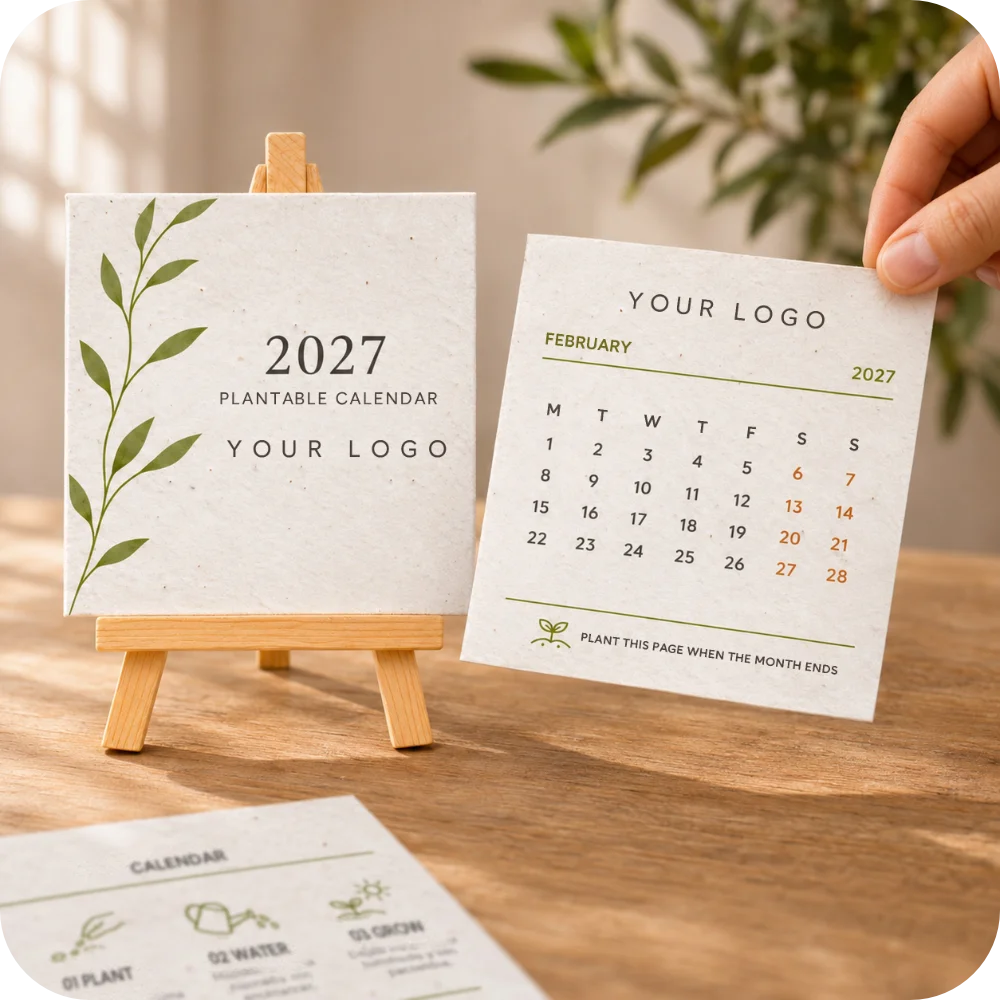
You have chosen a calendar for your clients or team. Before preparing the logo, there is another small decision to make: will the people receiving it read the same language and use the same weekly layout?
A calendar is something people glance at while working. Familiar month names and a comfortable week layout make that glance easier. If your list crosses offices or countries, a little preparation now can save a confusing mix of versions later.
Ask about language and week start separately
“English version” does not tell you whether someone prefers the week to start on Monday or Sunday. Likewise, a delivery address in Germany does not tell you which language an international team uses at work. Write down both choices instead of using the destination country as a shortcut.
A short question is enough: “Which language would you like on your desk calendar, and do you normally use a Monday-start or Sunday-start week?” If one person is collecting answers for an office, ask them to confirm the preference rather than assume it for everyone.
Group the answers before counting the order
Use one row for each combination of language and week start. Here is a fictional plan for 40 calendars. The groups describe preferences that have already been confirmed; they are not rules about where people live.
| Recipient group | Language | Week starts | Calendars |
|---|---|---|---|
| Studio team | German | Monday | 18 |
| Remote colleagues | English | Monday | 10 |
| Client contacts | English | Sunday | 12 |
The total is still 40, but there are three versions to discuss. This is a planning example, not a Myeco quantity offer or confirmation that different versions can be combined in one order. Check the combinations currently available and ask how a mixed request should be organised before choosing quantities in the product form.
Give each version a plain, consistent name
Labels such as “German — Monday — studio” are easier to check than “Europe” or “final calendar”. Use the same labels on your planning sheet, in your questions and when reviewing the versions. A country name can hide two different preferences; “final” does not tell you which file was approved.
Keep a total beside each label and a separate total for the whole project. If a colleague changes their preference, move their calendar from one row to the other. Increasing one count without reducing the other is an easy way to order an extra calendar by mistake.
Use a familiar date to check the weekly layout
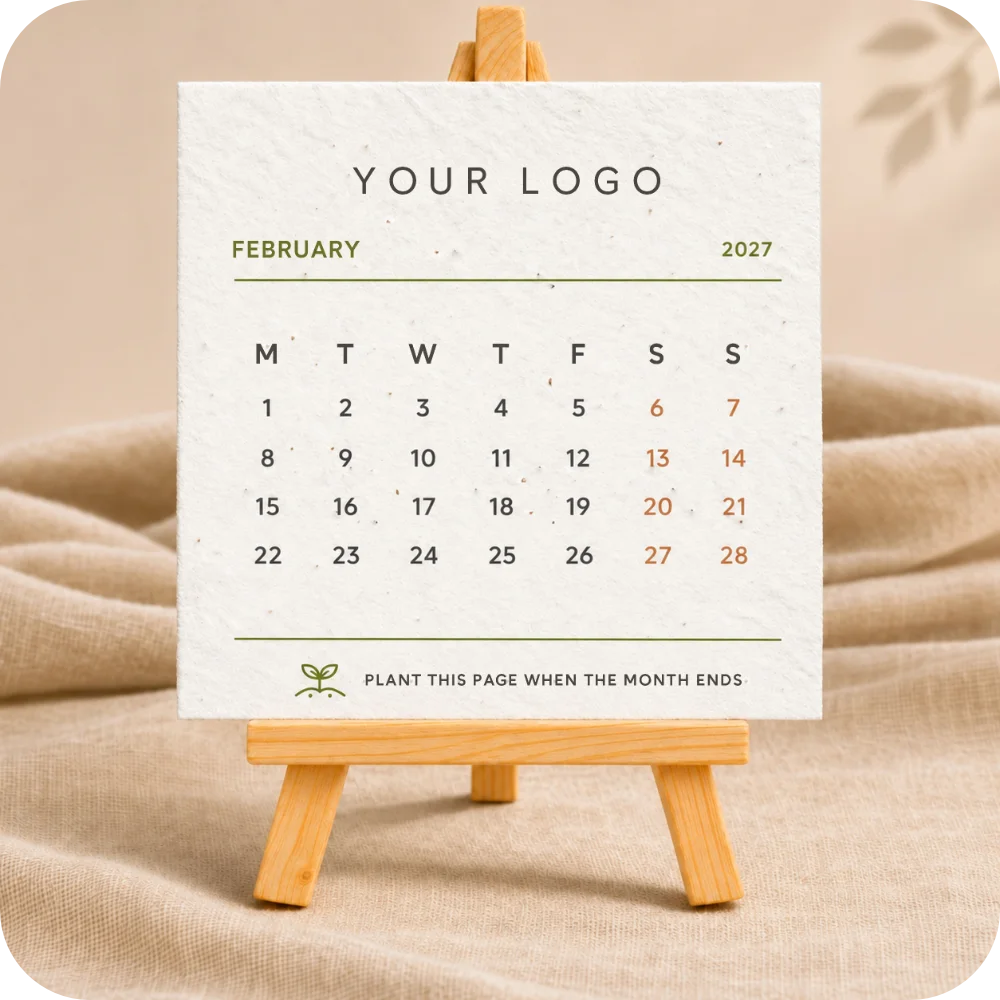
Choose a date you already know from your work diary, such as a team meeting. Find that number on the calendar and trace its column up to the weekday heading. This checks the layout you will actually read, rather than relying on a file name or a picture of the cover. In some languages, weekday initials repeat, so check the full sequence from left to right instead of guessing from one letter.
Use the same small test for each version, then check the month names and weekday order across all the monthly pages. If a language or layout changes partway through, note the exact page for correction. A product photograph is an example; confirm your own chosen version in the current product options and any proof supplied.
Review one version at a time
When there is a proof to approve, start with the version label. Check the calendar year, month names and the first day of the week before reviewing the logo and any message. Then compare that version with its row on your list. A well-printed logo cannot correct a weekly layout the recipient did not want.
For several languages, ask someone comfortable with each language to read the printed words. Put corrections in one place and let one person confirm the approved version. Keep questions about available layouts and the actual proof process separate from your own checking routine.
Keep the groups clear when you hand out the gifts
Before distributing the calendars, compare each group with your planning sheet. If a colleague will hand them out in another office, include the version label and the expected count. Keep those internal notes with your organising materials so they do not become part of the greeting.
A short list to take to Myeco
- The current calendar you are considering.
- Each preferred language and week-start combination, with its count.
- Your question about whether and how those versions can be ordered together.
- The person who will collect corrections and approve the final versions.
- The date you need the calendars, so preparation and delivery can be discussed using the current information.
You can start with the 2027 plantable calendar with your logo and check its current choices. If you are still deciding whether a calendar suits the people on your list, our guide to choosing gifts for clients and employees helps with that earlier decision. For a mixed request, tell us what you are planning before placing the order.