
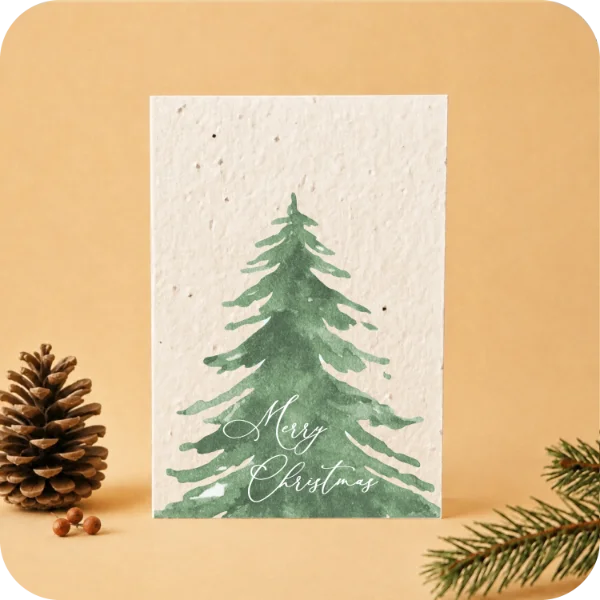
A Christmas card is a small thing, but there are plenty of details to get right when it goes out to a whole team or a list of clients. Put your logo, your message and your recipient list in one place before you ask for a proof. That gives everyone one version to check.
Give one person the final say
Ask one person to collect comments and approve the version that goes to print. If two people suggest different edits, settle them in the same document. Put the date or a version number in the file name so nobody approves an older copy by mistake.
Check the logo at the size it will appear
Open the proof at its intended print size, or print a copy at actual size if you can. Can you still read the company name? Does a fine line disappear? Leave a little space around the logo and check its contrast against the paper or artwork. If you have a simpler version of your logo, keep it handy in case the full version feels cramped. Confirm the file format and print details with the maker before sending final artwork.
Decide what must stay before making the text smaller
If the proof feels crowded, mark the essentials first: the company name, the greeting and a readable signature. Then mark what can go, such as a second slogan or a long job title. Ask to see the shorter version before shrinking everything. The useful test is whether someone can read the card comfortably in their hands, rather than whether every element fits on a screen.
Give the message room to breathe
Choose what the reader should see first: a greeting, a thank-you or the name of the team sending it. Try reading the whole card aloud. If the sentence sounds like an email footer, cut it back to something you’d actually say. Leave room for a signature if the card will be signed by hand. For wording ideas, see our examples of company Christmas messages.
Match each version to its recipients
Make one list with the recipient group, language and number of cards. If clients and colleagues are getting different messages, give the artwork files distinct names and check that the totals add up. Have someone who uses the language read each version, including punctuation and the closing line. Copy names from your approved list rather than typing them again.
A worked example: three things a tidy-looking proof can hide
Imagine a file called “clients_DE_v3”. The layout looks balanced and everyone likes the illustration. Before approving it, try three separate checks. This is a fictional review example, not a Myeco product specification.
- Check the version, not just the file name. The name says v3, but the footer still carries last year’s date. Compare the proof itself with the approved brief; renaming a file does not update the artwork.
- Check the audience. The German client version includes the closing line written for employees. A correct translation can still be the wrong message. Read the recipient group and the closing together before approving each version.
- Test the destination. The QR code opens the English home page even though the card is in German. Decide which page the reader should reach, test the code at the intended printed size and check the language after it opens. A code that scans is only the first part of the check.
Mark each change in one place: the page or side, what is wrong and the replacement needed. Ask to see the corrected version, then repeat the affected checks. If you approve a second proof, identify that exact version so an earlier attachment cannot be mistaken for the final one.
Check what you are ordering, as well as the artwork
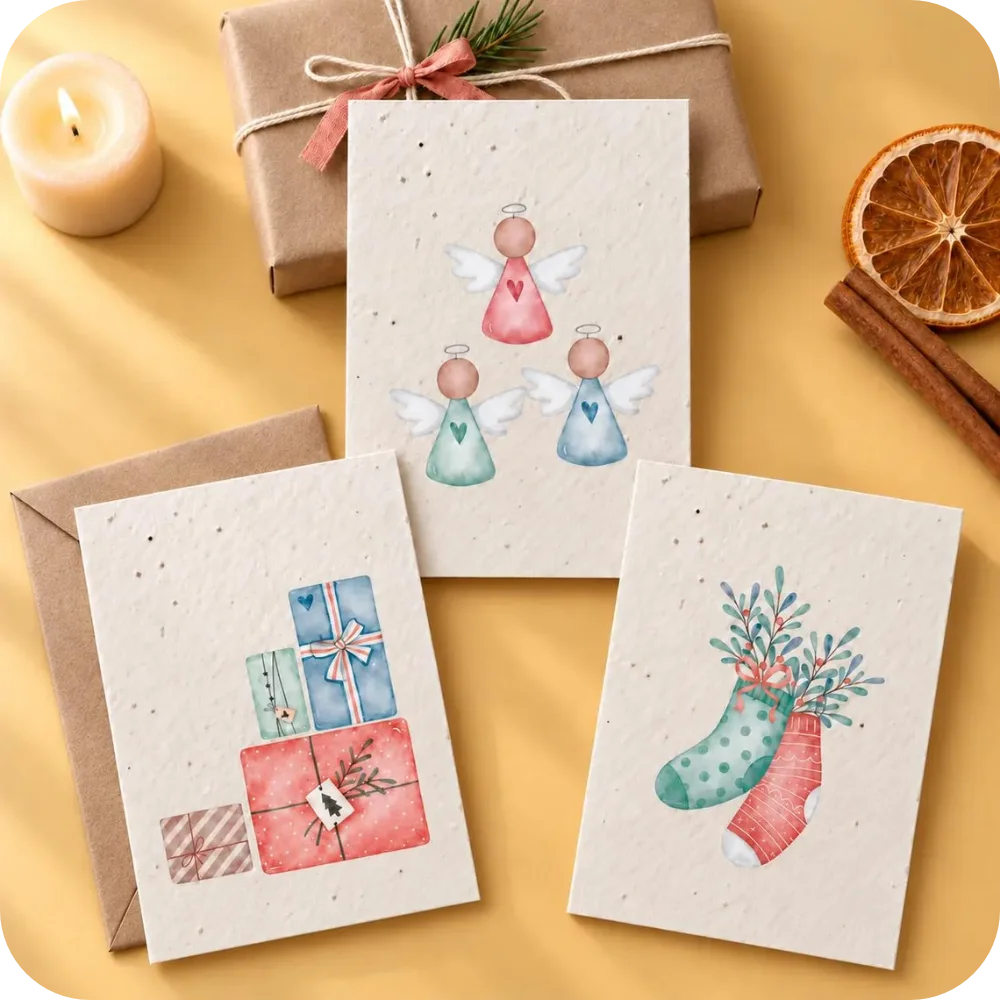
A ready-illustrated pack and a personalised printing enquiry need different checks. For example, the Angels & Stockings Christmas card pack has blank interiors for handwritten wishes. Its illustrated front is not a preview of your company logo. If your brief needs printed branding, confirm that the selected product supports it and which sides are included before approving artwork.
Put the paper choice in the same brief. This pack offers flower seed paper or white recycled cotton paper without seeds; only the seed paper version is plantable. For a seeded card, keep the planting information readable. A greeting, logo or added sticker should not hide the instructions the recipient will need.
Do one last pass on the proof
- Read the greeting, names and signatures separately from the design.
- Check dates and spellings in every version, especially accents and company names.
- If you include a link or QR code, test it from the proof at actual size.
- Check what appears on each side and leave space for any handwritten lines.
- Confirm the count, delivery destination and any details still open before you approve.
For a Myeco enquiry, share your recipient groups, the quantities you have in mind, the language of each message and what you already have for artwork. You can find Myeco’s stationery for businesses while you put your brief together.